By [Your Name], Senior Tech Journalist | October 11, 2024
In a move that's set to redefine user experience on personal computers, Microsoft has officially kicked off the worldwide rollout of Windows 11 version 24H2. Starting October 1, 2024, the update began appearing in Windows Update for eligible Home and Pro edition users, bringing a suite of AI-driven enhancements, performance optimizations, and quality-of-life improvements. This semi-annual feature update, codenamed 'Hudson Valley,' builds on the foundation laid by previous iterations, with a strong emphasis on artificial intelligence integration through the revamped Copilot assistant.
A Phased Rollout for Stability
Microsoft's approach to deploying 24H2 is characteristically cautious. The update is being distributed in phases to ensure broad compatibility and minimize disruptions. Initial waves targeted users who have opted into the Windows Insider Program's Release Preview Channel, followed by general availability for Insiders and now extending to production devices. Businesses managing fleets via Windows Update for Business or Windows Autopatch will see it later, allowing IT admins time to test.
Eligibility requires a compatible PC running Windows 11 version 22H2 or 23H2. Users can check for updates manually via Settings > Windows Update. Microsoft reports that the update is lightweight, clocking in at around 4GB for most systems, but recommends backing up data beforehand—a timeless piece of advice in the software world.
Copilot Takes Center Stage
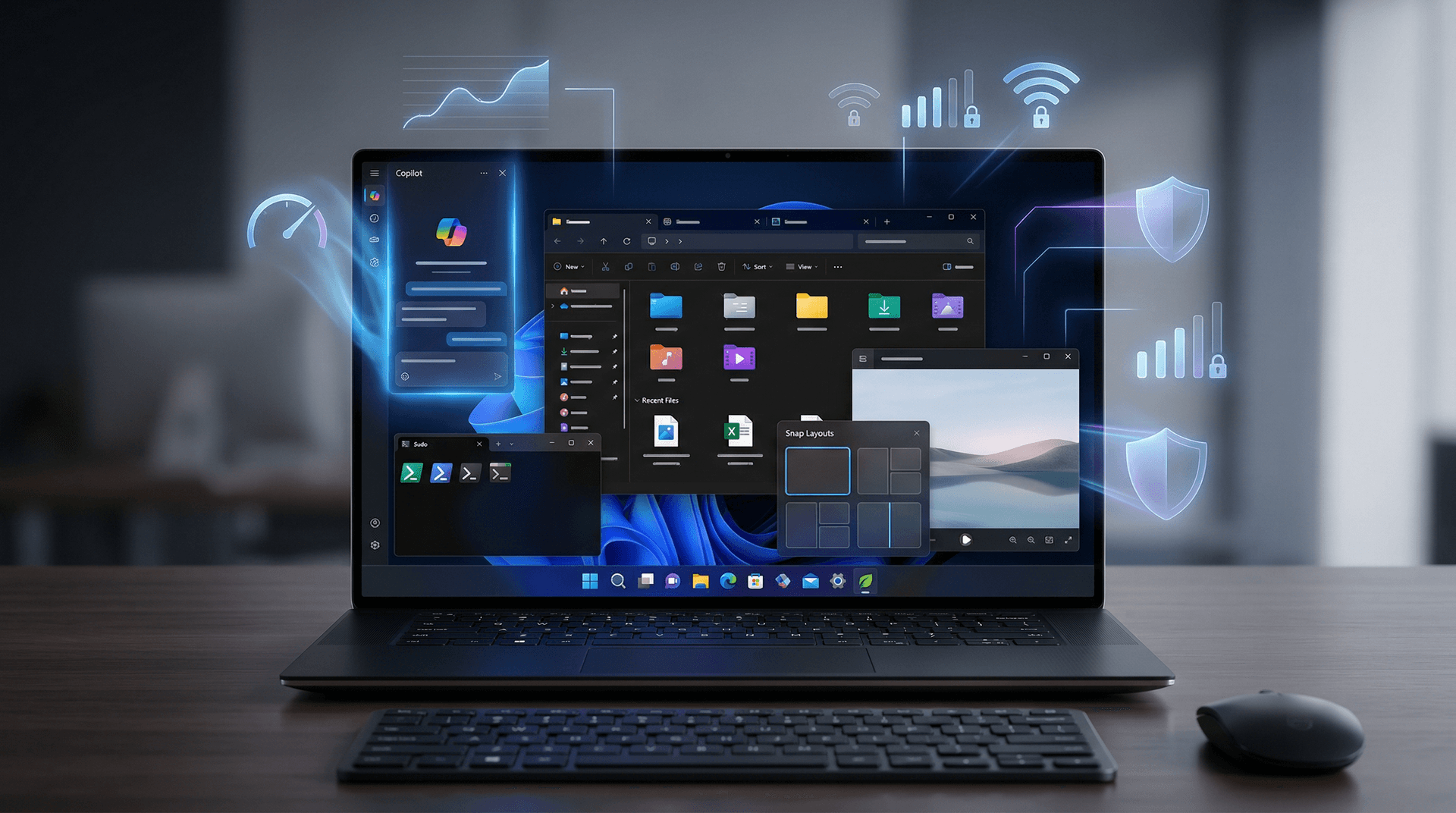
At the heart of 24H2 is an upgraded Copilot experience. Previously a sidebar app, Copilot is now more deeply embedded into the OS. Users can invoke it with the Win+C shortcut for rapid access to generative AI tasks like summarizing documents, generating images, or even controlling system settings conversationally.
For Copilot+ PCs—those with Neural Processing Units (NPUs) like Qualcomm Snapdragon X Elite or upcoming Intel Lunar Lake and AMD Ryzen AI chips—new on-device AI features shine. Recall, though delayed earlier due to privacy concerns, is expected in a future update. Live Captions with real-time translation now supports more languages, and the Photos app gains generative erase and restyle tools powered by local AI models.
"We're making AI accessible without compromising privacy," stated Microsoft's Windows head, Panos Panay, in pre-release announcements. All Copilot+ features run on-device where possible, reducing cloud dependency and latency.
Performance and Efficiency Gains
Beyond AI, 24H2 delivers tangible speed-ups. File Explorer sees major refinements: faster boot times, improved search with libation filters, and a new home page for quick access to recent files, favorites, and pinned items. Tabs in File Explorer, long requested, are here for better multitasking.
A standout addition is the Sudo command, borrowed from Linux, enabling elevated privileges in the terminal without full UAC prompts—ideal for developers. Energy recommendations now auto-tune power settings based on usage, potentially extending laptop battery life by up to 10-15% in light workloads.
Rust-based Wi-Fi drivers promise greater stability, and Bluetooth audio gets LE Audio support for superior quality and lower power use. Gaming benefits from Auto Super Resolution (Auto SR), an AI upscaler exclusive to Copilot+ hardware, rivaling Nvidia DLSS and AMD FSR.
Developer and Security Enhancements
For coders, new Hot Reload in WinUI empowers faster app iteration. Windows Subsystem for Linux (WSL) integrates sudo seamlessly, and Dev Home—a dashboard for workflows—gains machine health monitoring.
Security is fortified with Local Security Authority (LSA) protection by default, blocking credential theft, and enhanced Windows Hello for biometric logins. Pluton security processor support adds hardware-rooted defenses against sophisticated attacks.
Microsoft claims 24H2 is the most efficient Windows 11 release yet, with reduced CPU usage during idle states and optimized memory management. Independent benchmarks from early testers, including those from Windows Central and The Verge, corroborate these gains, showing 5-20% improvements in everyday tasks.
Potential Challenges and User Feedback
Not all is flawless. Some early adopters reported Wi-Fi issues on older Intel adapters, promptly addressed via optional updates. Copilot+ features remain gated behind specific hardware, frustrating owners of Intel/AMD systems without NPUs—though Microsoft promises broader support in 2025.
Installation hiccups, like stalled updates on virtual machines, are noted in Microsoft's troubleshooting docs. Users on older PCs might face blocks if TPM 2.0 or Secure Boot isn't enabled, reinforcing Windows 11's stringent requirements.
Community forums buzz with excitement over UI tweaks: rounded corners are more pronounced, the taskbar gains richer previews, and Snap Layouts are smarter with AI-suggested windows.
How to Get Windows 11 24H2 Today
Ready to upgrade? Here's a quick guide:
1. Check Compatibility: Use Microsoft's PC Health Check app. 2. Update Manually: Go to Settings > Windows Update > Check for updates. 3. ISO Download: For clean installs, grab the ISO from the Microsoft website. 4. Backup First: Essential to avoid data loss.
If you're wary, wait for the phase to reach you or monitor forums like Reddit's r/Windows11.
Looking Ahead
Windows 11 24H2 isn't just an update; it's Microsoft's bet on AI ubiquity. As Copilot evolves into a true OS companion, it positions Windows against macOS Sequoia and ChromeOS in the AI race. With Google's Gemini and Apple's Apple Intelligence vying for attention, Microsoft's ecosystem—spanning Office, Edge, and Teams—gives it an edge for productivity users.
Expect iterative updates via Moment packs, adding features like advanced voice typing. By year's end, more AI bells and whistles will arrive, solidifying 24H2 as a landmark release.
In an era where software defines hardware's value, this update ensures your Windows PC stays relevant. Whether you're a gamer, creator, or office warrior, 24H2 delivers. Stay tuned to CSN News for ongoing coverage and benchmarks.
Word count: 912